Apps / WakeWay

WakeWay
An alarm clock where you choose how you wake up.
Coming soon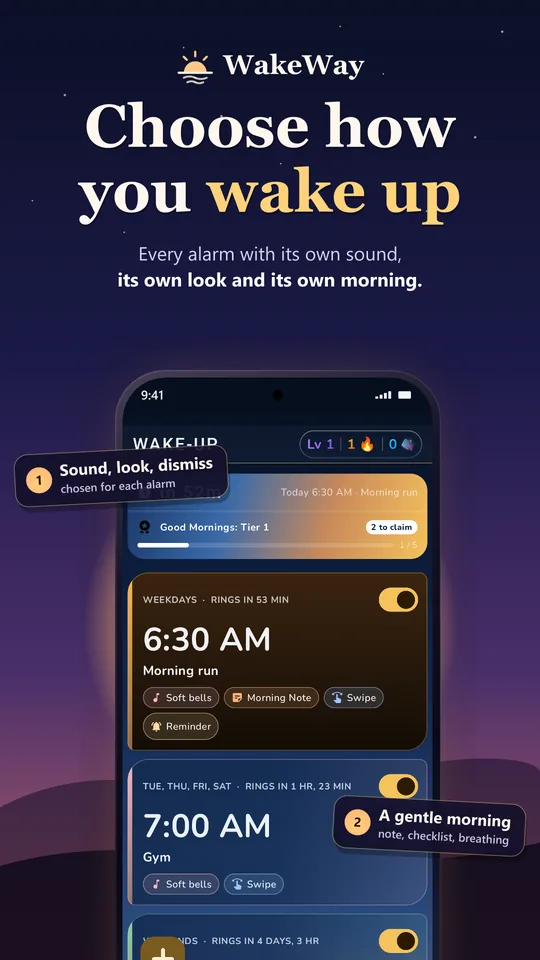
About
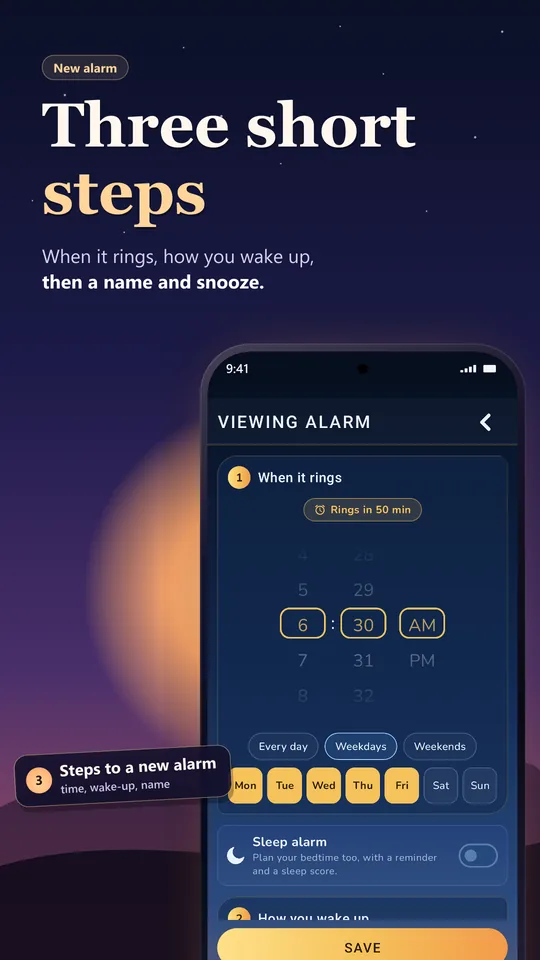
WakeWay is an alarm app for Android built around one idea: you pick how your morning starts. Choose the sound, the look of the ring screen, how you turn the alarm off and what happens after you get up, from a short breathing exercise to a morning checklist.
It isn't on Google Play yet.
Features
Alarms
- Exact alarms that ring over the lock screen and come back after a restart
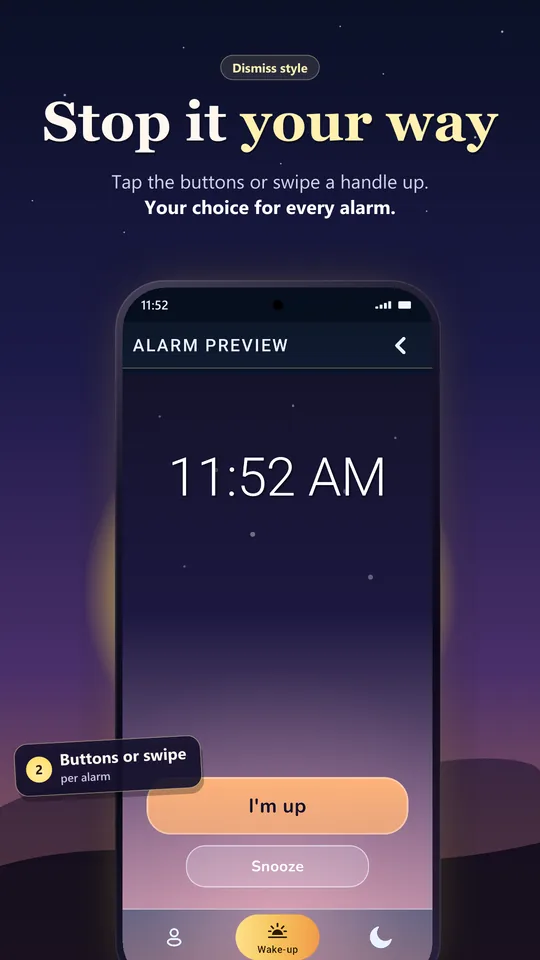
- Tap the buttons, or swipe a handle up to wake or snooze
- A different "I'm up" sound and snooze sound for each alarm
- Home screen widgets for your next alarm, streak and sleep score
Sound and look
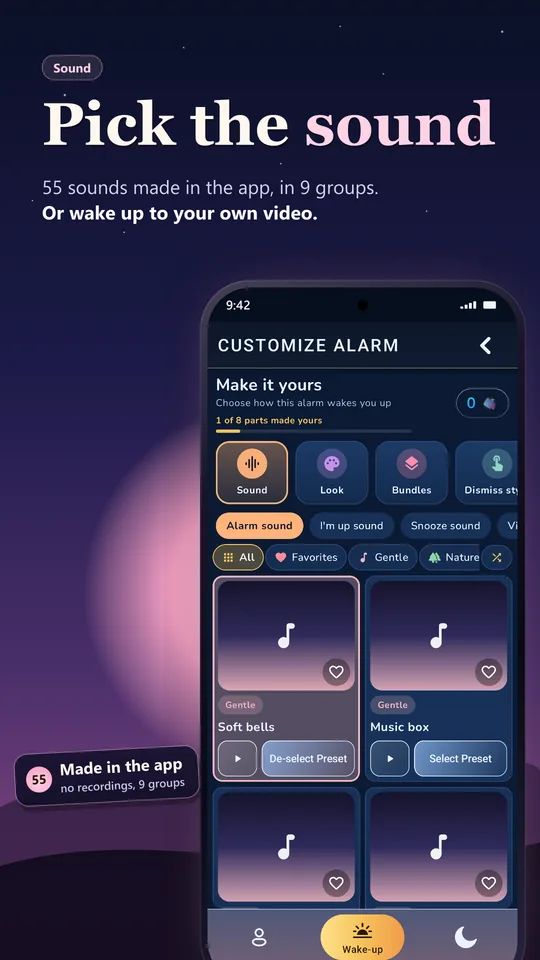
- 55 sounds made by the app in 9 groups, from gentle and nature to retro and space, plus your phone's own alarm and ringtone sounds
- Favorites and shuffle
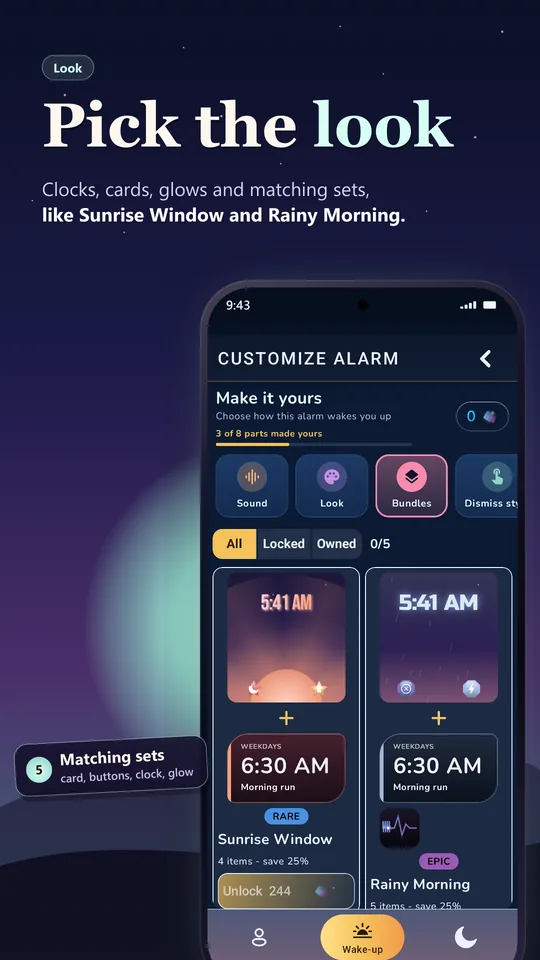
- Clock faces, ambient effects and alarm cards, matching sets, and a preview of the ring screen before you save
- Your own video as an alarm
After you wake up
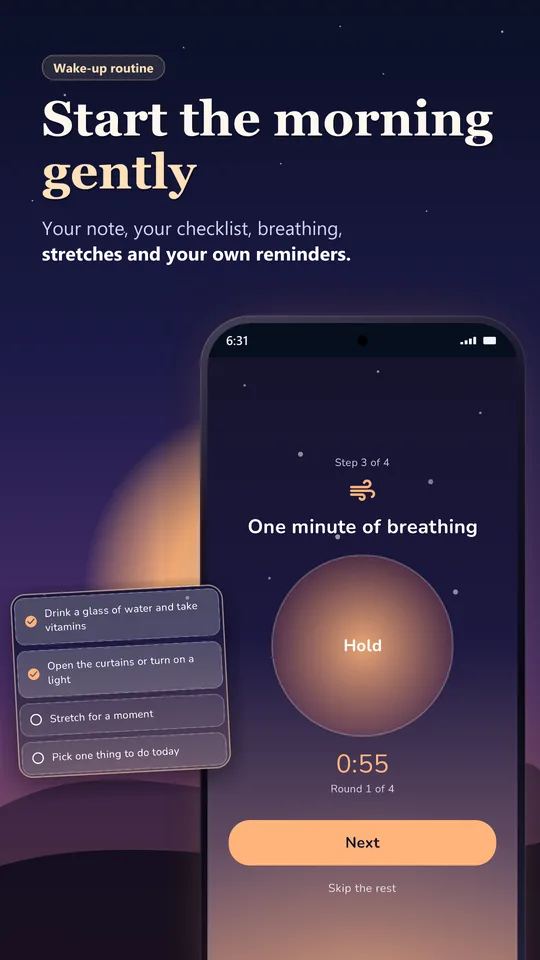
- A morning note, your own checklist, one minute of guided breathing or four gentle stretches, or all of them as a full morning routine
- Reminders with your own text, right after waking or up to two hours later, and a heads-up before bed
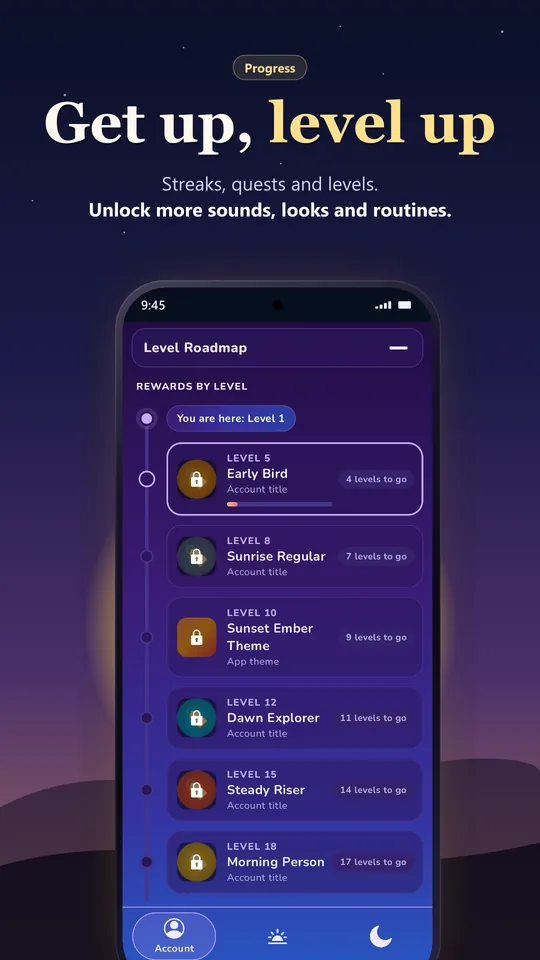
- Streaks, quests and levels, and Light Gems to unlock more sounds, looks and routines
Sleep
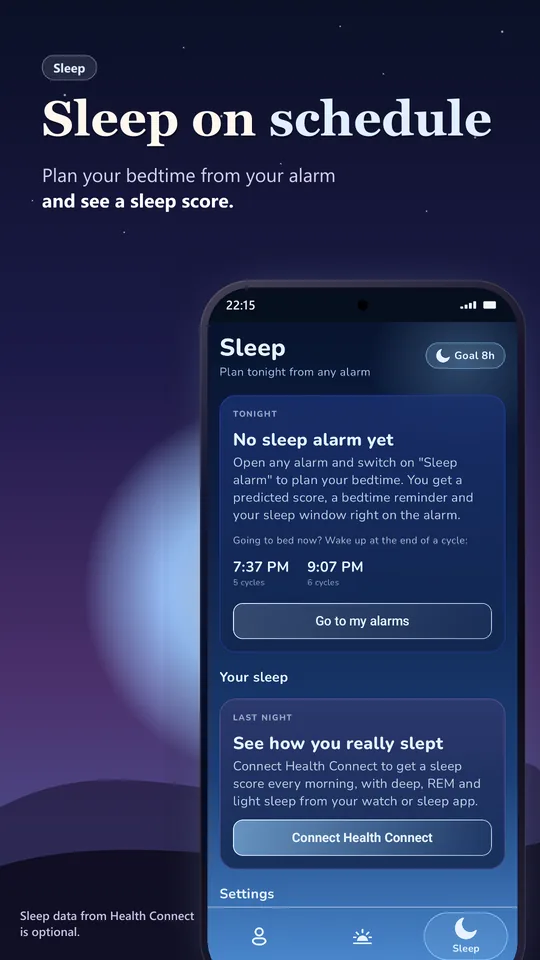
- Plan your bedtime from your alarm and get a sleep score
- Reads your sleep from Health Connect if you want to (optional, read only, stays on your phone)
- Platform
- Android 8.0 or later, phones and tablets
- Price
- Free, optional purchases and WakeWay Plus subscription
- Ads
- Yes, but never while an alarm rings, during snooze or on the wake-up screen
- Account
- Not needed
Questions or support: coder.7g@gmail.com · Privacy policy · Terms of service