Apps / ShareWave

ShareWave
Send clipboard text and files between your own devices on the same network.
Coming soon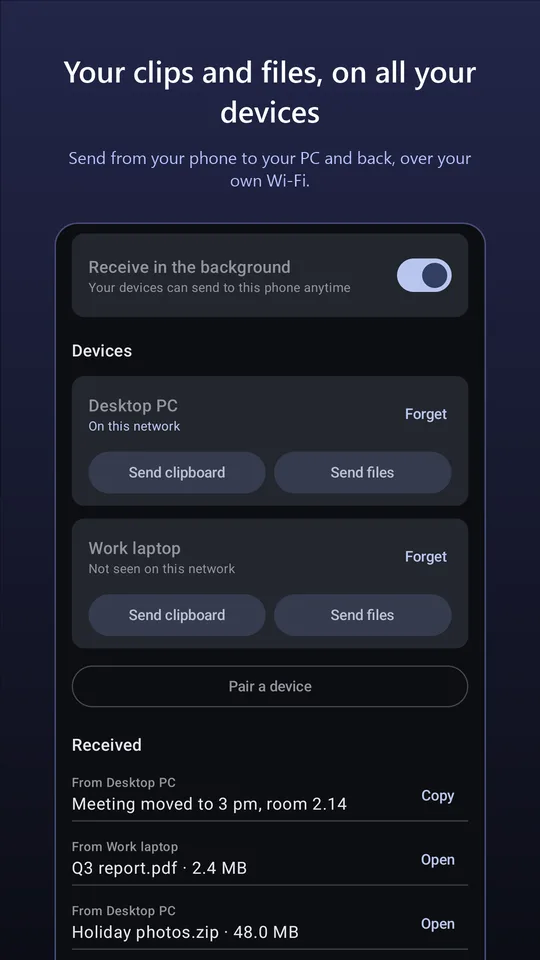
About
ShareWave sends text and files between your own devices when they are on the same network, for example your home Wi-Fi. Copy something on one device, tap Send clipboard, and it is on the other device's clipboard. Files go the same way and are saved in Downloads/ShareWave.
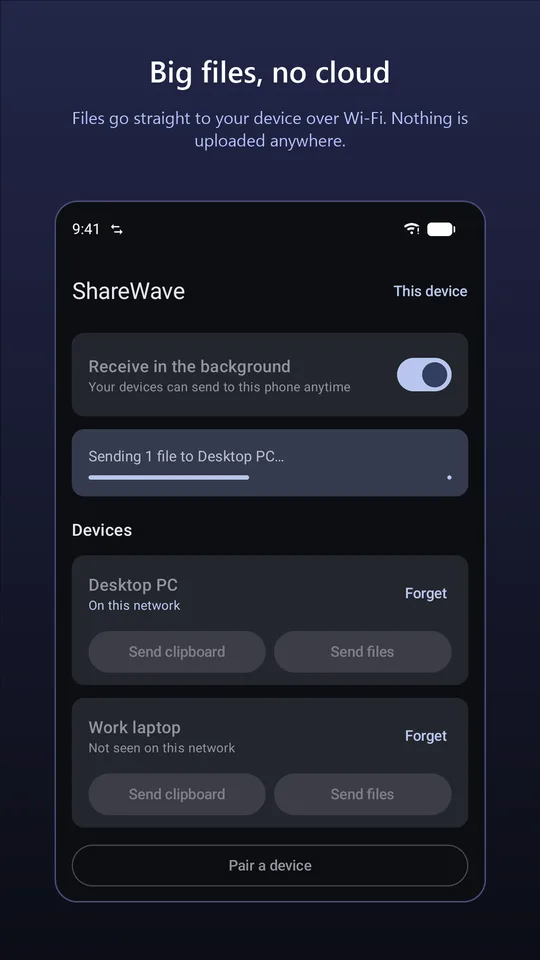
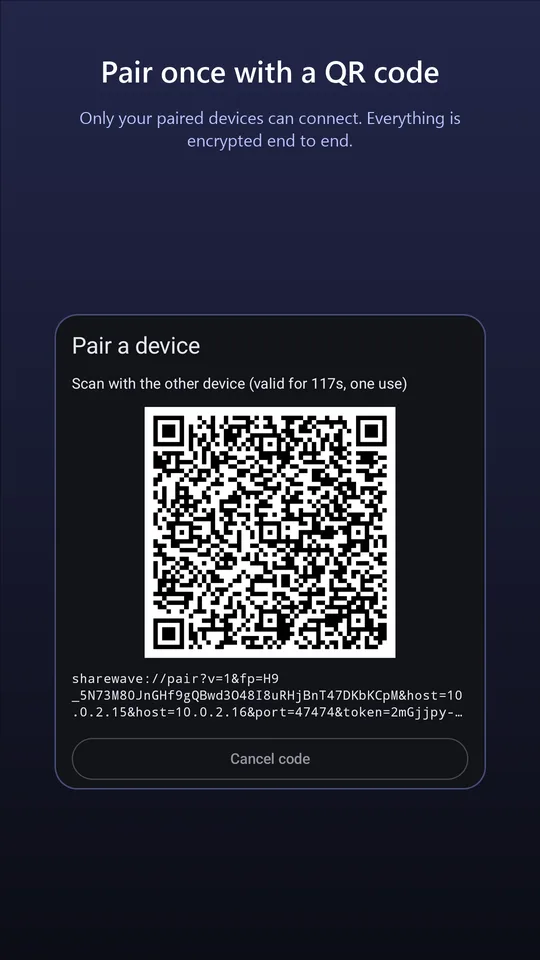
You pair your devices once by scanning a QR code. After that, only devices you paired can send to each other, and everything they send is encrypted. Nothing goes through a server or a cloud service, and there is no account.
The Android app is first. A Windows app is planned, so you can send between your phone and your PC.
It is free, with no ads and no in-app purchases. It isn't on Google Play yet.
Features
Sending
- Send your clipboard to another device with one tap
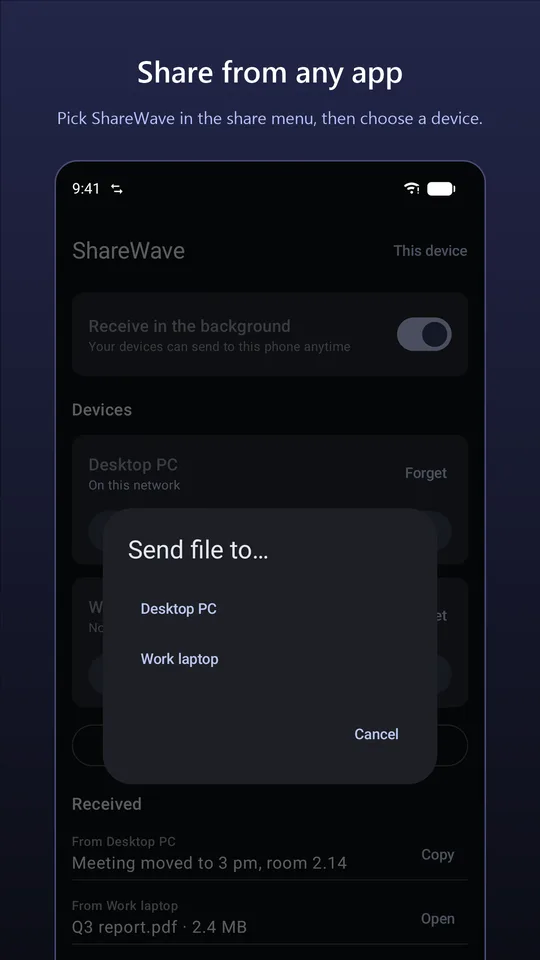
- Share text, photos, documents and other files from any app through the Android share menu
- Send several files at once, including large ones
Receiving
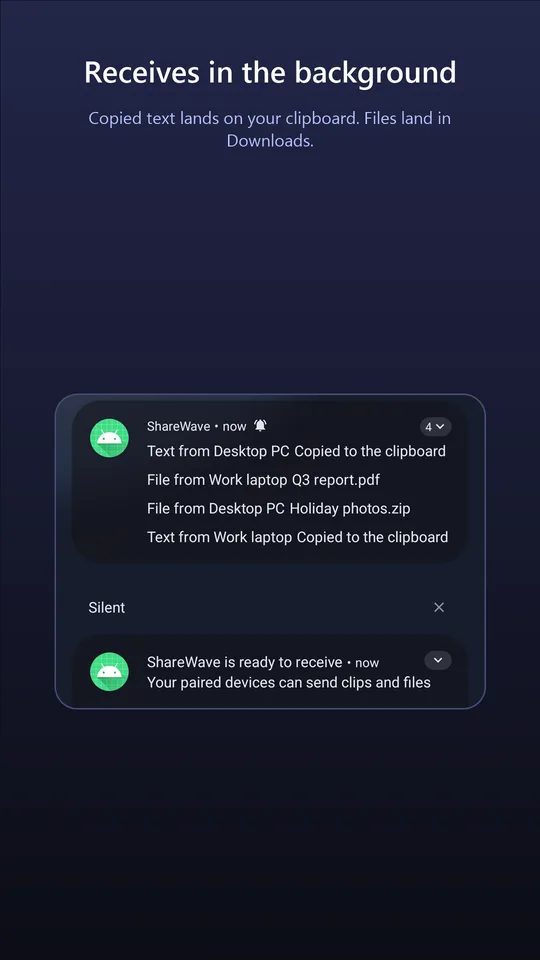
- Received text goes straight to your clipboard
- Received files are saved in Downloads/ShareWave
- Receives in the background too, with a notification that shows it is on. You can turn it off at any time.
- A short list of what arrived, to copy or open it again
Privacy
- Only devices you paired can connect
- Transfers are encrypted between your devices
- No server, no account, no ads, no analytics
- Clipboard content marked as sensitive, such as copied passwords, is never sent
What it doesn't do
- It doesn't send over the internet: both devices have to be on the same network
- It doesn't keep a history of your clipboard
- Platform
- Android 8.0 or later. Windows planned.
- Price
- Free
- Ads
- No
- Account
- Not needed
Questions or support: coder.7g@gmail.com · Privacy policy · Terms of service