Apps / ReadMD
ReadMD
Open Markdown files and read them formatted, on Android and Windows.
Coming soon
About
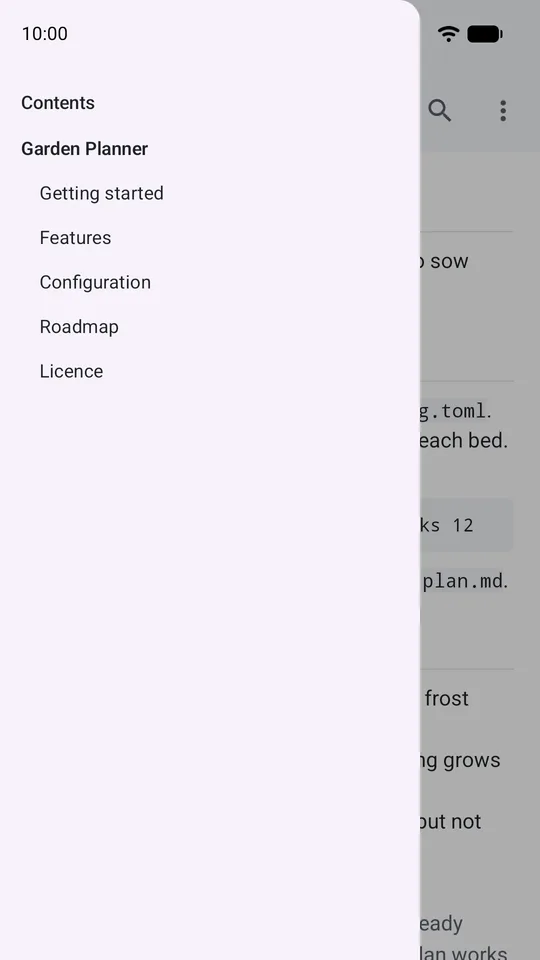
ReadMD opens Markdown (.md) files and shows them formatted, the way you would see them on GitHub. There is an Android app and a Windows app.
It is read only. It never edits or saves over the file you are reading. On Android it doesn't ask for storage permission: it only sees the files you open with it.
Documents are shown offline. ReadMD doesn't load images from the web, and links open in your browser only when you tap them.
It is free, with no ads, no account and no in-app purchases. On first start, the Android app asks whether you want to share anonymous usage statistics (which features are used, never file names or contents). You can change this at any time in Settings. The Windows app sends nothing.
It isn't on Google Play or the Microsoft Store yet.
Features
What it shows
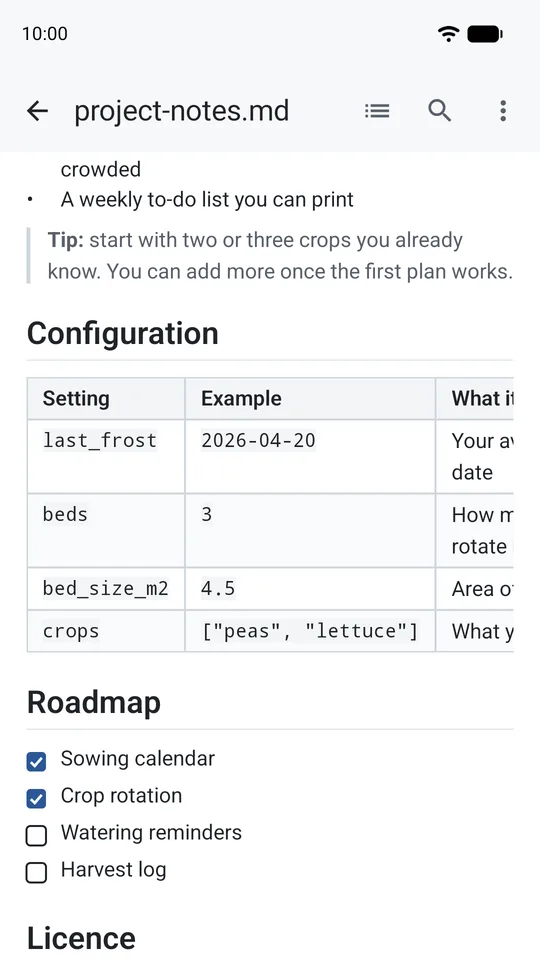
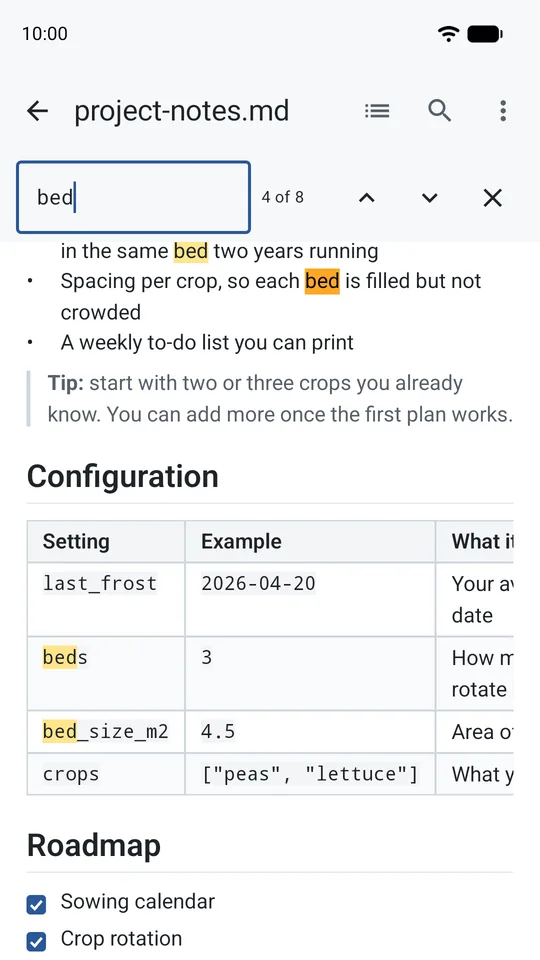
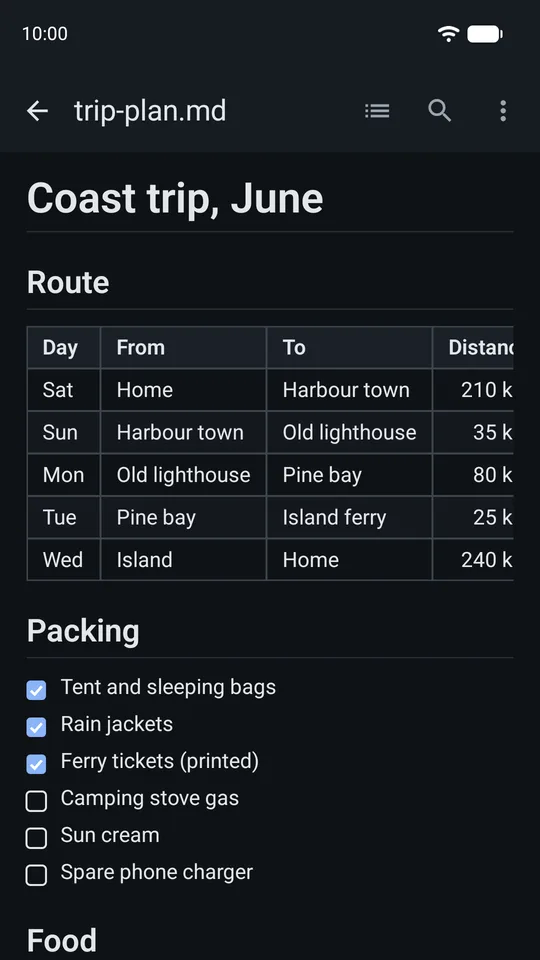
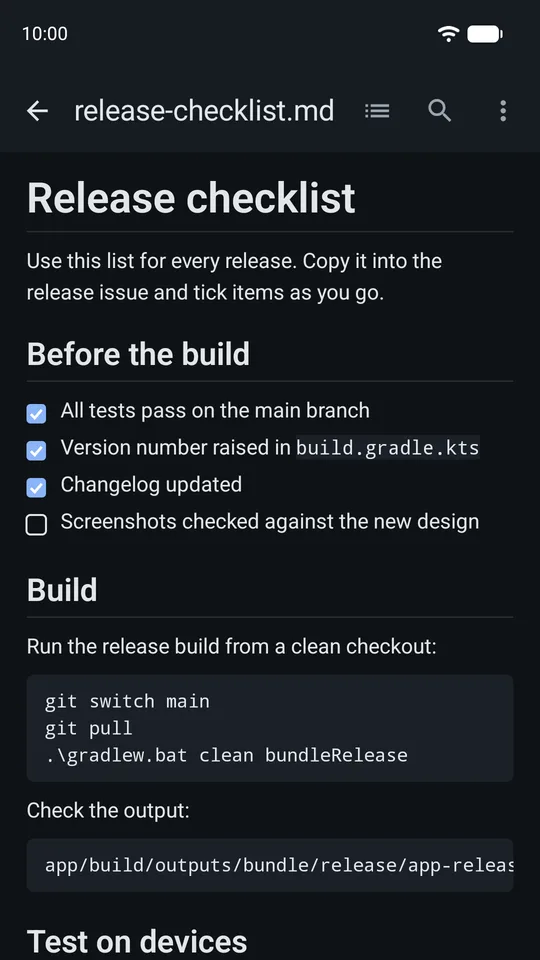
- Headings, lists and nested lists, task lists, tables, code blocks, quotes, links and strikethrough
- Images stored next to the file
- Wide tables and long code lines scroll sideways instead of breaking the layout
Reading
- A contents list built from the headings, to jump around long files
- Find in page
- Adjustable text size
- Light and dark theme, following your system setting
Opening files
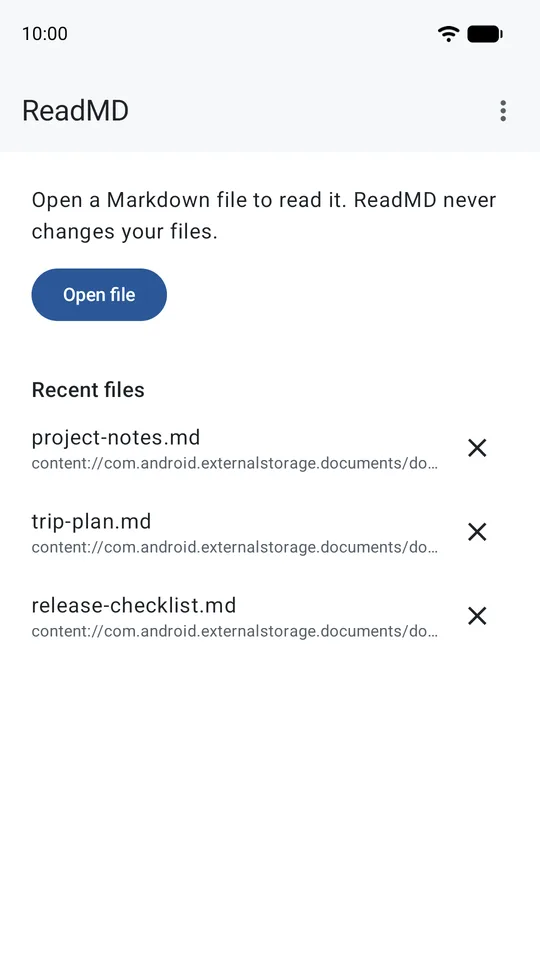
- Android: from your file manager, from another app's Share menu, or with the file picker
- Windows: "Open with" and the right-click menu for .md files, without making ReadMD the default app
- Recent files
What it doesn't do
- It doesn't edit files
- It doesn't load anything from the internet to show a document
- Platform
- Android 8.0 or later, and Windows
- Price
- Free
- Ads
- No
- Account
- Not needed
Questions or support: coder.7g@gmail.com · Privacy policy · Terms of service