Apps / AGTA
AGTA
Actually Good Terminal Autocomplete.
Coming soon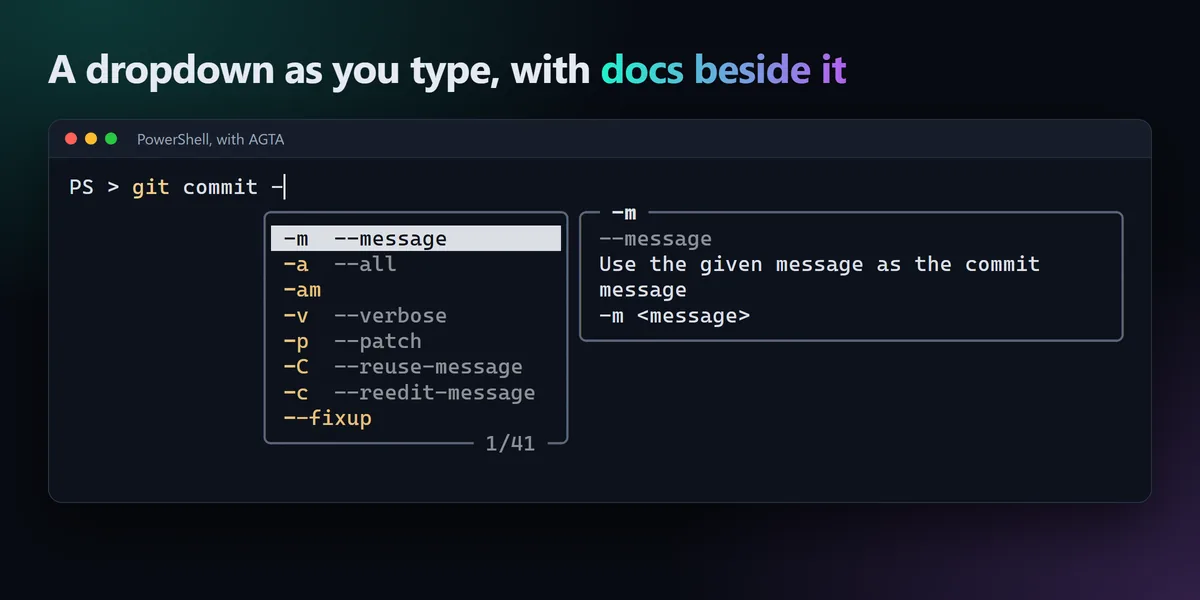
About
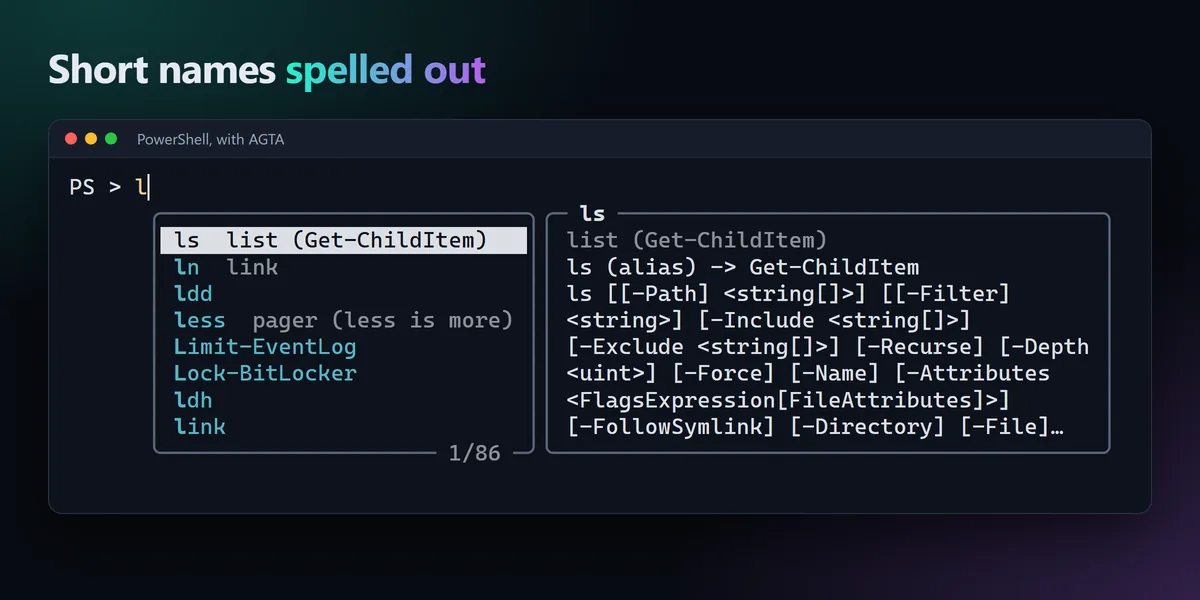
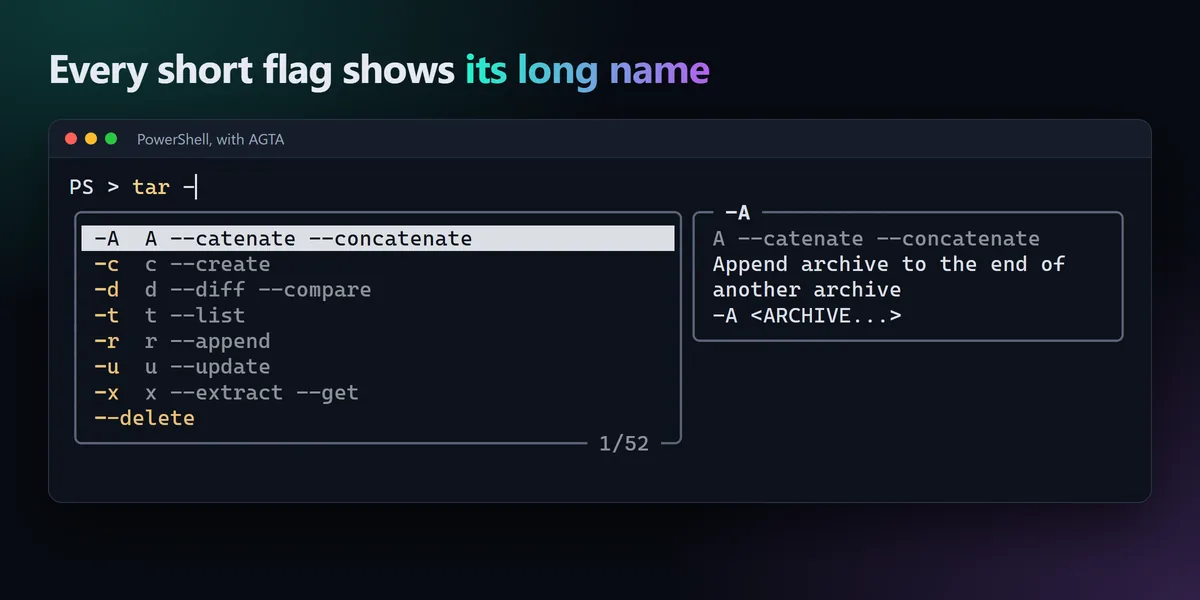
AGTA brings code-editor style completion to the terminal. As you type, a dropdown shows the commands, flags, files and folders that can come next, each with a short description, and short names like ls or -r are spelled out. It works with bash, zsh, fish, PowerShell and more.
It isn't released yet.
Features
Completion
- Tab and Enter accept the highlighted suggestion, like in a code editor
- Only commands you have installed are suggested
- The subcommands and flags you use most come first (only names are counted, on your machine)
Explanations
- Short names spelled out:
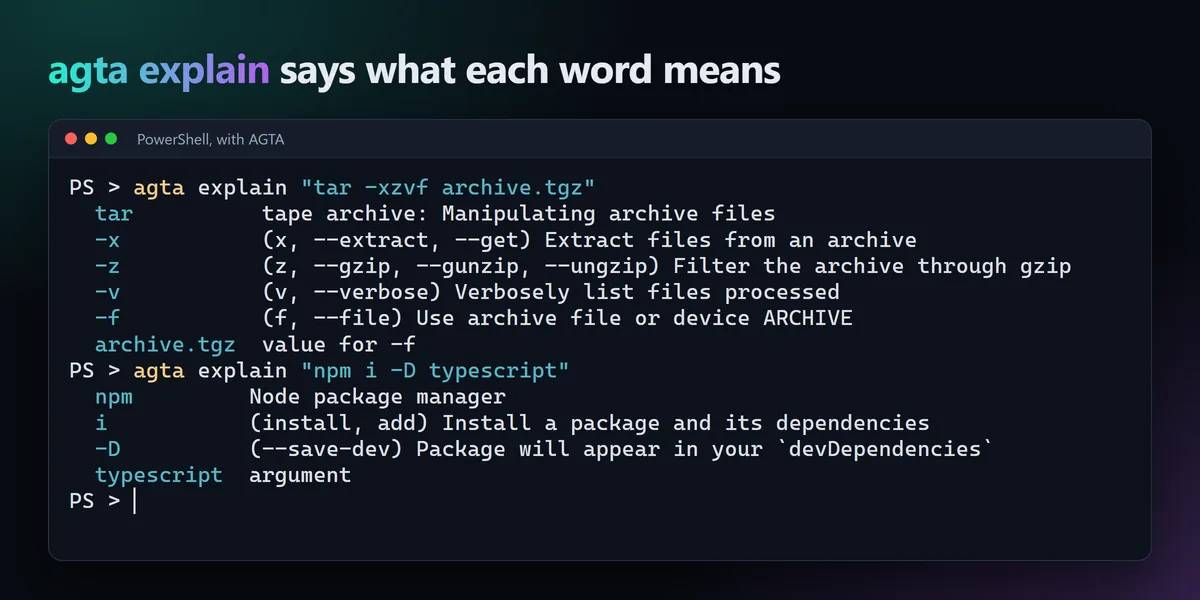
cdshows "change directory",-rshows--recursive - A docs panel for the highlighted command or flag
agta explainsays what every word of a command means- A manual and a built-in tutorial
Shells
- bash, zsh, fish, PowerShell, Windows PowerShell, xonsh and nushell, with cmd as an experiment
- Uses your terminal's colours